Products
Microsoft's Edge 150 caves to Chrome users with Google sign-in, but sidebar apps got dropped in the same update
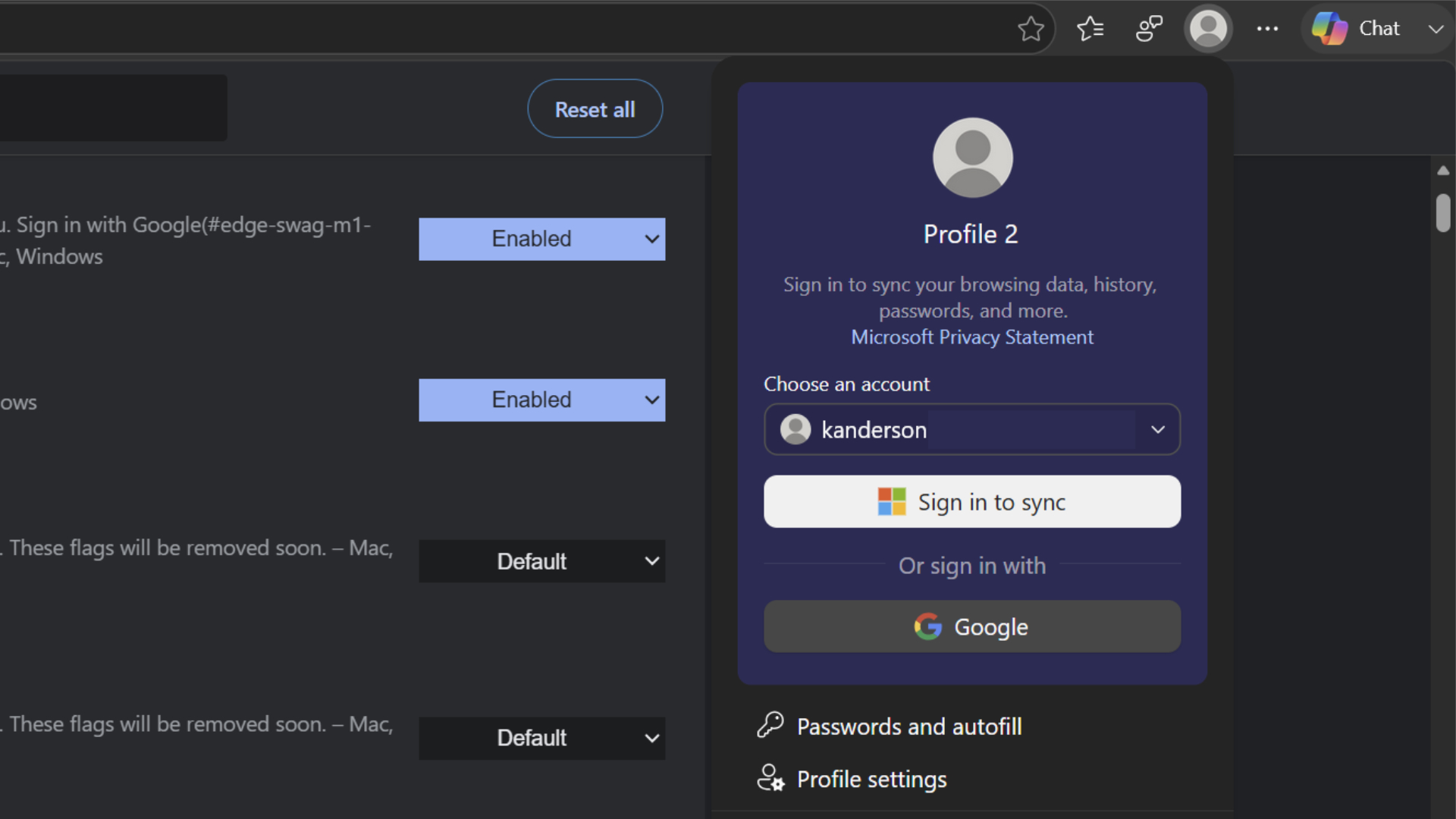 Image: Primary
 Microsoft released Edge 150 a few days ago with version 150.0.4078.48, adding support for signing into the browser with a Google account and removing the sidebar apps feature.
The company said the Google sign-in rollout is gradual and the option appears in the profile menu once available. Users can enable the feature early by activating a specific flag in the browser settings. The update allows importing Google account credentials, Chrome bookmarks, browsing history, passwords and settings, though Chrome extensions, theming, flags and ongoing data sync are not supported.
Microsoft said the change benefits IT administrators who can use a new policy called NonMicrosoftAccountSignInEnabled to manage browser identities without Chrome-specific exceptions. The update also moves Workspaces to a new V2 architecture that shifts data from OneDrive and SharePoint to Edge Sync, resulting in faster load times but removing cross-device collaboration.
Enterprise changes include Intune MAM-protected downloads moving to a OneDrive folder, Security Update Alerts in the Edge management service and a WebView2 DowngradeVersion policy. Microsoft said it is phasing out the sidebar app experiment, preventing new additions and removing currently pinned apps in favor of a Copilot-powered alternative.
The release also adds a validation prompt for the View in File Explorer feature on Windows and clearer language for third-party cookie settings. Microsoft said Edge 150 is the last version to support macOS 12 Monterey, with the next version requiring Ventura or later.
Sources
Evidence entered
Admission Evidence and chronology passed Products
Publication receipt Entered the validated Newswire



Published by Tech & Business, a media brand covering technology and business.
This story was sourced from windowslatest.com and reviewed by the T&B editorial agent team.
Back to Newswire